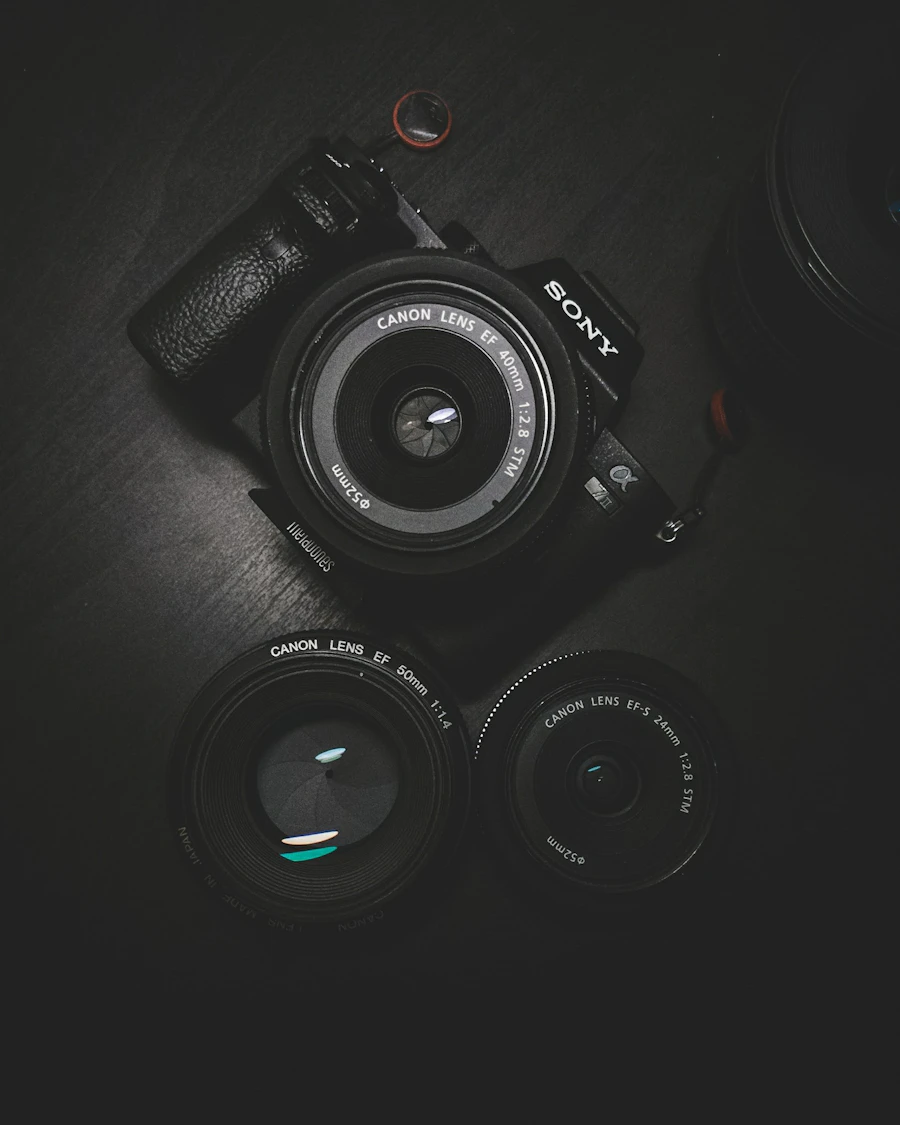
Cameras & Creator Gear
GoPro, DJI Pocket, Meta Glasses, and mobile creator options for flexible photo and video capture.
Build a camera-ready setup for interviews, product shoots, social content, podcasts, and more.
Equipment add-ons are available exclusively with an At the Table Studio reservation.
Book the StudioChoose the tools that fit your production. Current availability and pricing appear in the live booking catalog.
GoPro, DJI Pocket, Meta Glasses, and mobile creator options for flexible photo and video capture.

Production lighting is staged before arrival and approved fixtures may be repositioned for your setup.

Purpose-built combinations for interviews, product content, social video, and multi-angle sessions.
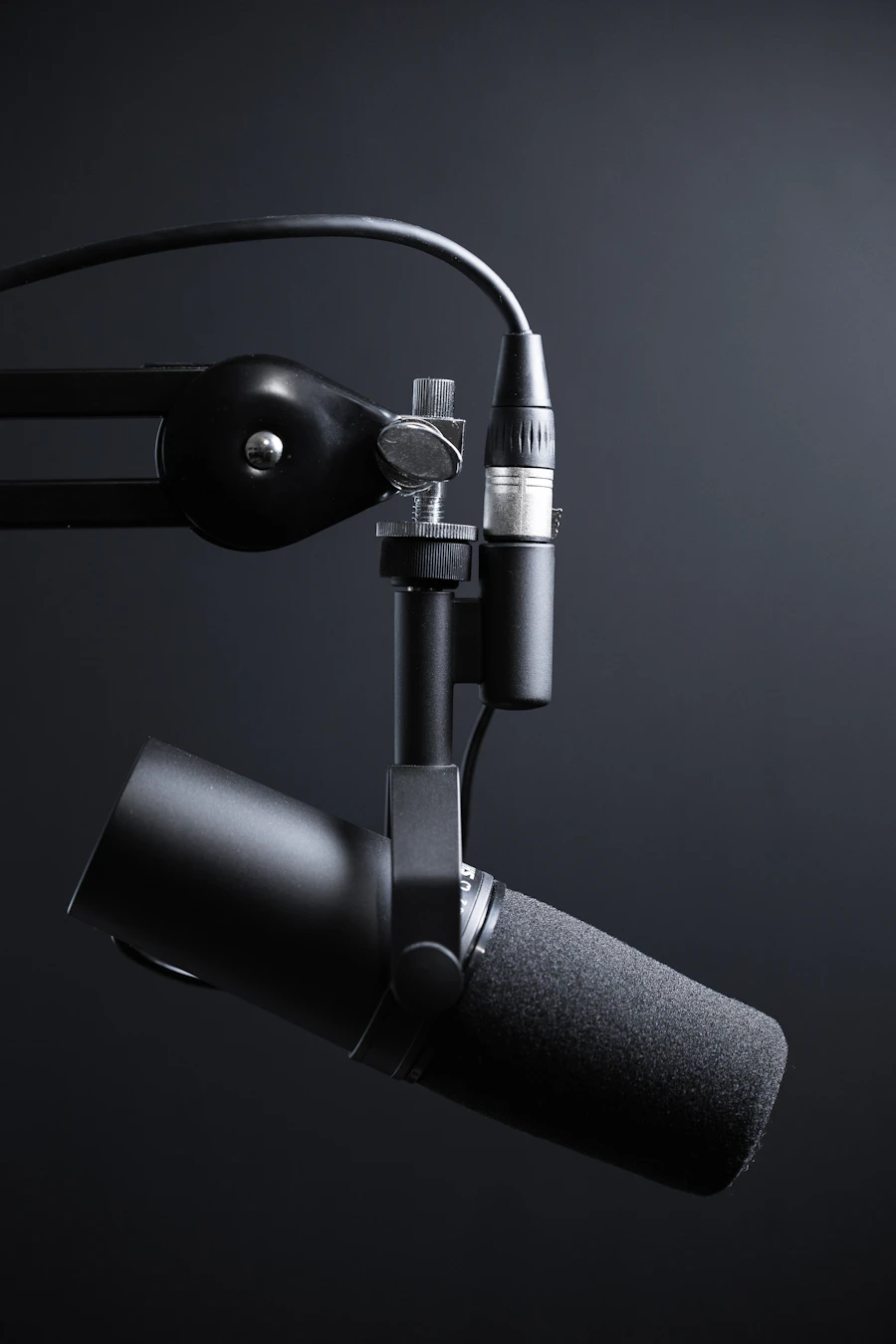
Recording tools that help deliver clean, clear sound for interviews, podcasts, and spoken content.

Stay on script and review your work with teleprompter, monitor, and tethering options.

DJI smartphone gimbal, motion tools, mounts, and accessories for smoother, more dynamic shots.
Choose a private studio reservation from two to eight hours.
Add available equipment directly inside the rental checkout.
Your selected equipment and standard lighting will be prepared for your session.
If your production requires a specialized setup, contact the studio before booking so we can confirm the right arrangement.
Start with your private studio reservation, then select the equipment you need during checkout.
Book the StudioReserve production equipment with your At the Table Studio booking and arrive to a setup prepared for your creative plan.
Equipment is available only with a studio reservation. It is not rented separately.
Book the StudioMobile Creator Kit, Meta Glasses, GoPro, DJI Pocket, and DJI smartphone gimbal options may be added from the live rental catalog.
Teleprompter and Motion Kit options help support scripted delivery and moving shots.
Lighting is staged before arrival. Approved lights may be repositioned. A monitor with tethering cable is available when requested.
Choose a two- to eight-hour private studio reservation.
Add available equipment inside the existing rental checkout. Current catalog pricing applies.
Your selected equipment and standard lighting are prepared for the reservation.
Start with your private studio reservation, then select available equipment during checkout.
Book the Studio5901 Priestly Drive, Suite 170B, Carlsbad, CA 92008
[email protected] · (619) 753-3034